March 4, 2026
NFC tags look unimpressive. They’re small. Thin. Usually just stickers. Yet inside that humble circle of plastic lives a tiny microchip and antenna capable of wirelessly talking to your phone without batteries, pairing, or internet.
If that feels a little magical, good. It should.
This guide will explain how to use NFC tags step by step, but more importantly, why each step works. Not just button pushing — but understanding. Because when you understand the physics and the protocol, NFC stops being a gimmick and becomes a tool.
We’re going to explore:
- What NFC tags actually are
- How they work at the electromagnetic level
- How to program them
- Why certain formats are used
- How to lock and secure them
- Real-world applications (business, DIY, marketing, automation)
- Common mistakes and how to avoid them
Let’s begin at the atomic level.
What Is an NFC Tag?
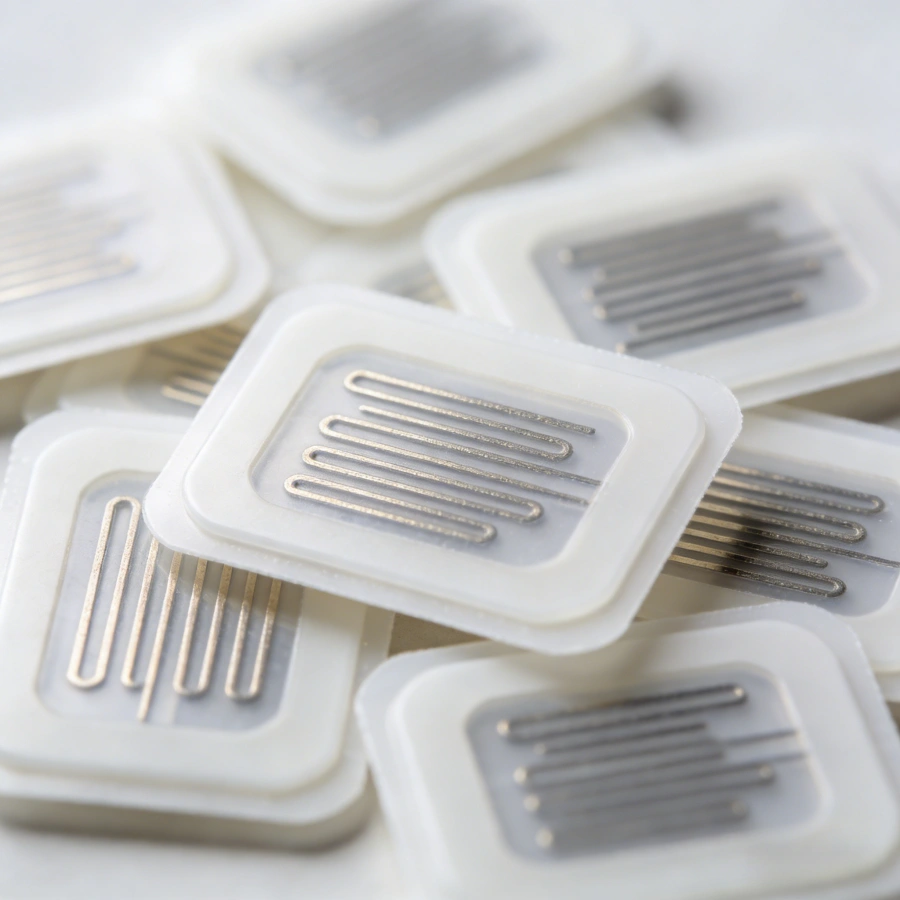
An NFC tag is a passive electronic device that contains:
- A microchip (stores data)
- A tiny copper antenna (communicates wirelessly)
NFC stands for Near Field Communication. It operates at 13.56 MHz, a high-frequency radio band.
“Near field” means very short range — typically 0 to 4 centimeters.
This is not Bluetooth.
This is not Wi-Fi.
It’s electromagnetic induction — the same physical principle used in wireless charging.
And here’s the elegant part:
NFC tags do not have batteries.
They are powered by the electromagnetic field generated by your phone or reader.
No battery. No pairing. No drama.
How NFC Tags Work (The Physics Behind the Tap)
When you enable NFC on your smartphone, it periodically emits a 13.56 MHz electromagnetic field.
When an NFC tag enters that field:
- The tag’s antenna coil picks up energy from the field.
- The chip powers on instantly.
- The chip sends stored data back by modulating the same field.
- The phone decodes the signal.
All in under a second.
This is called inductive coupling.
The phone provides power.
The tag responds with data.
It’s a microscopic conversation powered by physics.
Understanding this explains why:
- NFC works only at short distances
- Tags don’t need batteries
- Metal surfaces interfere with performance
Types of NFC Tags
Not all NFC tags are the same.
Common NFC chip types include:
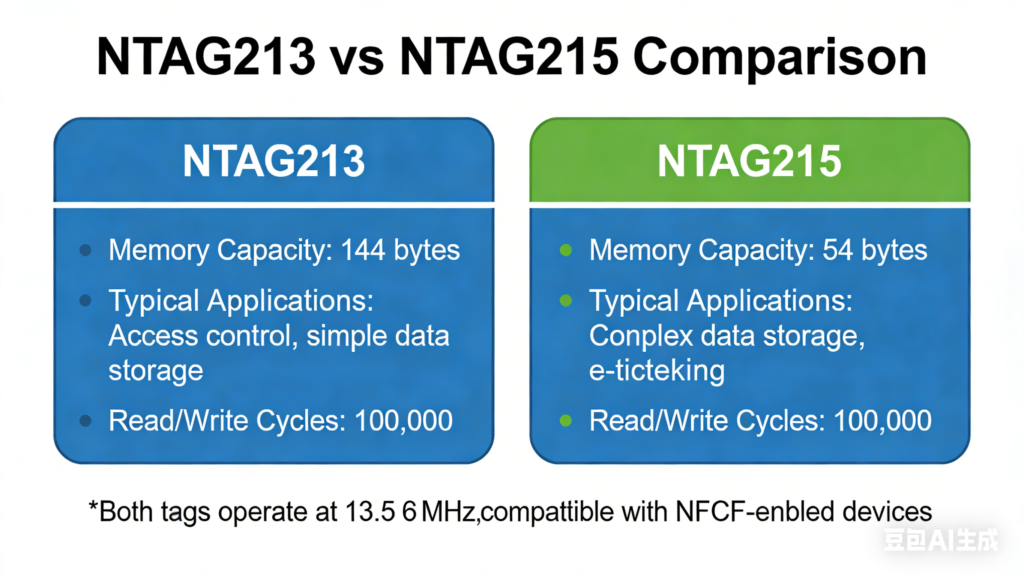
- NTAG213 (144 bytes usable memory)
- NTAG215 (504 bytes usable memory)
- NTAG216 (888 bytes usable memory)
The number indicates memory capacity.
More memory means:
- Longer URLs
- Full contact cards (vCard)
- Wi-Fi configuration data
- Complex automation commands
If you only store a short website link, NTAG213 is enough.
If you want flexibility, NTAG215 or NTAG216 is better.
Choosing the correct tag prevents future limitations.
NTAG213 vs NTAG215 vs NTAG216 — NFC Chip Comparison Table
| Item | NTAG213 | NTAG215 | NTAG216 |
|---|---|---|---|
| Protocol Standard | ISO/IEC 14443 A | ISO/IEC 14443 A | ISO/IEC 14443 A |
| NFC Forum Type | Type 2 | Type 2 | Type 2 |
| Operating Frequency | 13.56 MHz | 13.56 MHz | 13.56 MHz |
| Total Memory | 180 bytes | 540 bytes | 888 bytes |
| Usable User Memory | ~144 bytes | ~504 bytes | ~888 bytes |
| UID Length | 7 bytes | 7 bytes | 7 bytes |
| Read/Write Speed | 106 kbps | 106 kbps | 106 kbps |
| Write Endurance | ≥100,000 cycles | ≥100,000 cycles | ≥100,000 cycles |
| Data Retention | ≥10 years | ≥10 years | ≥10 years |
| Password Protection | Yes | Yes | Yes |
| Original ECC Signature | Yes | Yes | Yes |
| Typical Read Range | ~0–4 cm | ~0–4 cm | ~0–4 cm |
| Typical Applications | Basic links, simple URLs | Large data storage / gaming applications | Very large data storage / complex NFC applications |
| Supports Multiple NDEF Records | Yes | Yes | Yes |
| Typical Cost Level | 🟢 Lowest | 🟡 Medium | 🔴 Highest |
| Suitable for Short URLs | ✔️ | ✔️ | ✔️ |
| Suitable for Long Text / VCard | ❌ | ✔️ | Excellent |
| Suitable for Wi-Fi Configuration | ❌ | ✔️ | ✔️ |
| Suitable for Game Data / Amiibo | ❌ | ✔️ | ✔️ |
| Suitable for Large Data Records | ❌ | ✔️ | ✔️ |
Quick Summary
NTAG213 is a “lightweight NFC tag”: The most cost-effective option, ideal for short links, small commands, and simple redirection tasks.
NTAG215 is a “mid-level NFC tag”: Offers larger memory capacity, capable of storing richer data. Suitable for smart business cards, Wi-Fi configuration, and gaming applications (such as Amiibo).
NTAG216 is a “high-capacity NFC tag”: Provides the largest memory space, ideal for storing large records or complex multi-step instructions, such as multiple links, detailed descriptions, or larger content storage.
How to Choose Based on Your Needs
✅ If you only need to store a website URL, social media profile, or simple app redirect:
Choose NTAG213 — sufficient and the most cost-effective.
✅ If you need to store contact information, Wi-Fi credentials, or gaming-compatible data:
Choose NTAG215 — adequate memory and strong compatibility.
✅ If you need to store complex records, multiple links, or allow room for future expansion:
Choose NTAG216 — maximum memory capacity and highest flexibility.
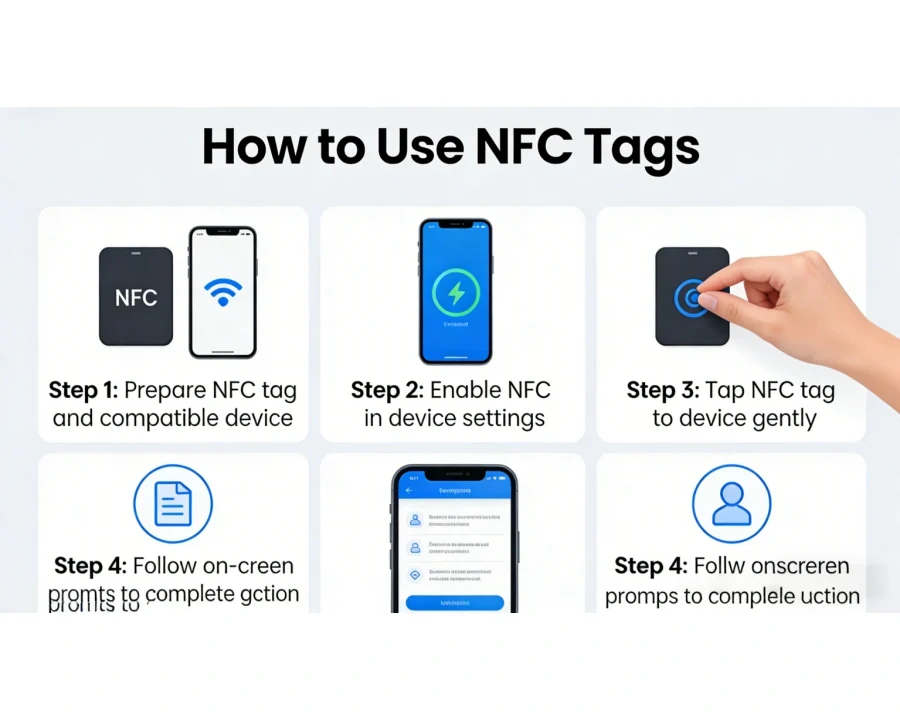
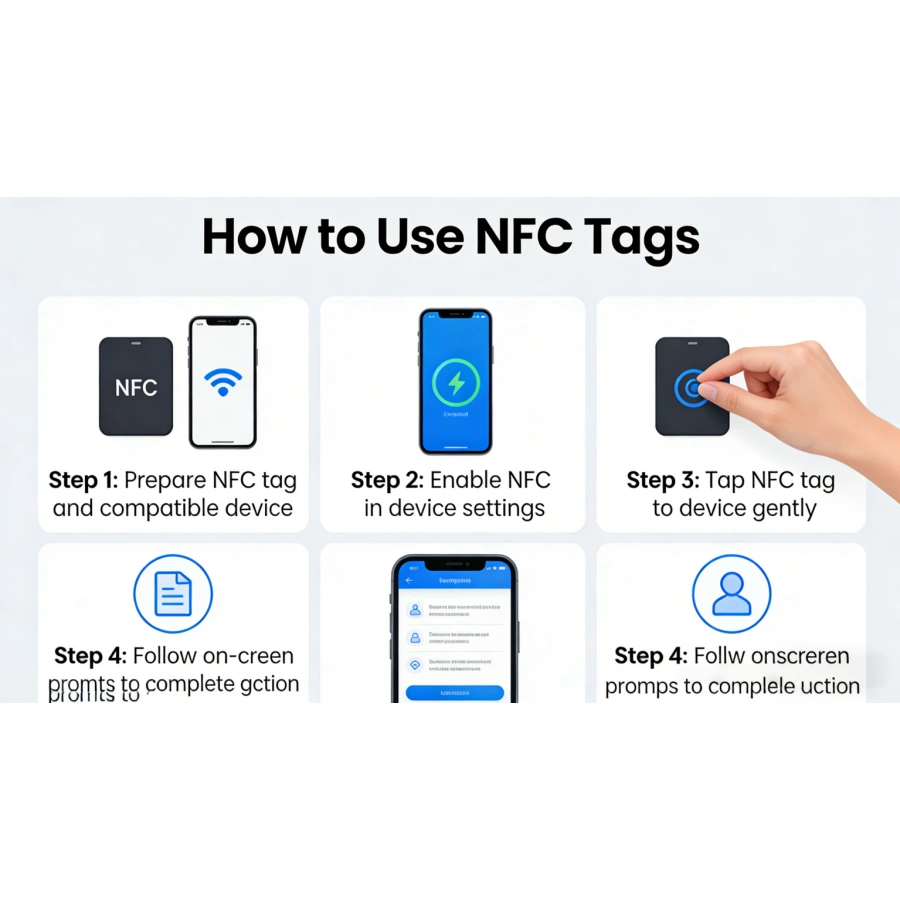
Step 1: Check If Your Device Supports NFC
Before anything else, confirm NFC capability.
Most Android phones support NFC.
iPhone 7 and newer support NFC reading.
iPhone XS and newer support background scanning.
Go to:
Settings → NFC → Enable
Why this matters:
If NFC is disabled, the phone won’t generate the electromagnetic field. Without that field, the tag remains powerless.
No field = no communication.
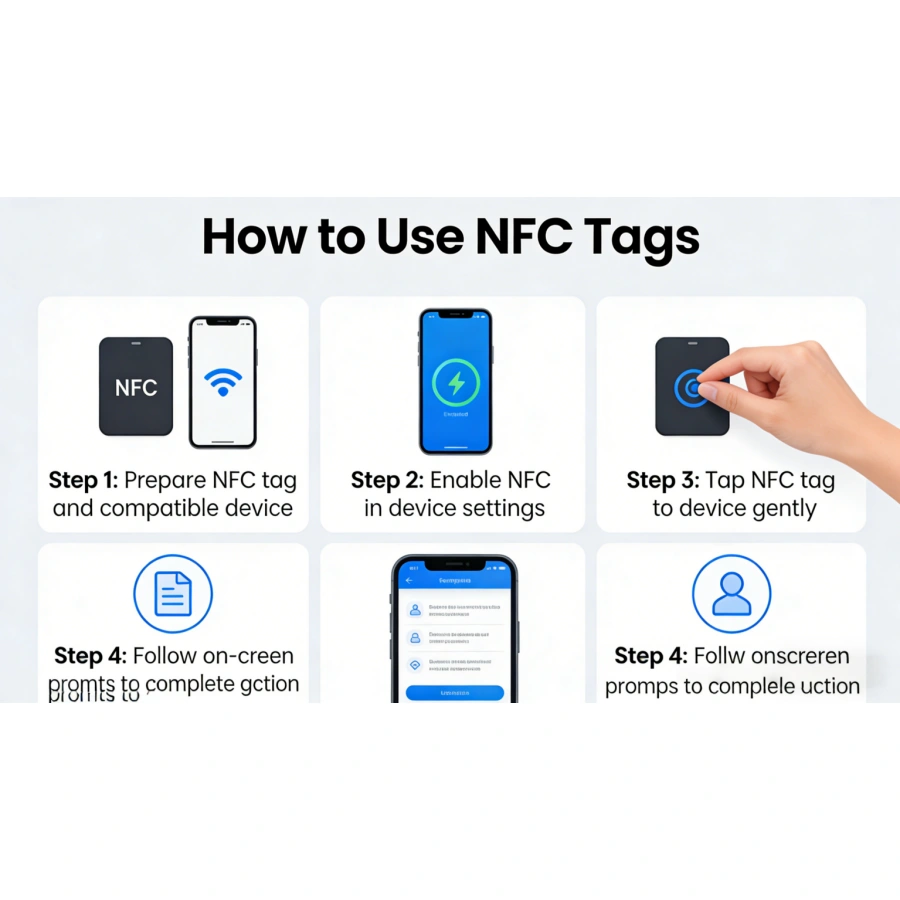
Step 2: Install an NFC Writing App
To program NFC tags, you need an app that writes data in NDEF format.
NDEF stands for NFC Data Exchange Format.
It is a standardized structure defined by the NFC Forum. Think of it as a universal language.
Why NDEF?
Because phones expect data in a predictable structure.
Without standardization, chaos reigns.
Popular NFC writing apps:
- NFC Tools
- NXP TagWriter
- Smart NFC
These apps allow you to:
- Write URLs
- Save contact cards
- Configure Wi-Fi
- Store text
- Trigger app launches
Step 3: Understand What You Want the Tag to Do
An NFC tag does not execute actions by itself.
It simply stores data.
When your phone reads the data, the operating system decides what to do.
Example:
If the tag contains a URL → the phone opens a browser.
If it contains a vCard → the phone offers to save contact info.
If it contains Wi-Fi credentials → the phone offers to connect.
The tag stores instructions in a standardized format.
The phone interprets them.
Understanding this prevents confusion.
The tag is not “smart.”
It is obedient storage.
Step 4: Writing Data to an NFC Tag
Here is the practical process:
- Open your NFC writing app.
- Select the data type (URL, text, Wi-Fi, etc.).
- Enter your information.
- Press “Write.”
- Place your phone near the NFC tag.
Within milliseconds, the data is stored.
Why hold the phone close?
Because NFC works only within 4 cm.
Distance reduces magnetic coupling strength.
Physics wins every time.
Step 5: Testing the Tag
After writing, test it immediately.
Turn off the writing mode.
Tap the tag normally.
Confirm:
- Does it open the correct link?
- Does it trigger the expected action?
Testing prevents deployment mistakes.
Once a tag is locked, it cannot be rewritten.
Step 6: Locking the NFC Tag (Optional but Important)
Most NFC tags can be permanently locked.
Locking prevents:
- Unauthorized rewriting
- Tampering
- Accidental overwriting
Why lock?
In business or marketing applications, you don’t want customers modifying your tag.
However, locking is irreversible.
Once locked, the memory becomes read-only forever.
Some tags also allow password protection instead of permanent locking.
Security level depends on your application.
Step 7: Placing the Tag Properly
Installation affects performance.
Avoid:
- Direct placement on metal (unless anti-metal tag)
- Extreme heat
- Excessive bending
Metal absorbs electromagnetic energy and reduces read range.
If placing on metal surfaces (like machines or shelves), use anti-metal NFC tags, which include a ferrite shielding layer.
Physics doesn’t negotiate with marketing claims.
Real-World Applications of NFC Tags
Now let’s explore practical uses.
1. Smart Business Cards
Instead of printing contact details that become outdated, program a tag with:
- Your website
- LinkedIn profile
- Digital vCard
When tapped, your phone shares updated information instantly.
Why this works:
NFC reduces friction.
Less friction = higher engagement.
2. Wi-Fi Sharing at Home or Office
Program Wi-Fi credentials into a tag.
Guests tap the tag → instant connection.
No typing long passwords.
Why this works:
NDEF supports Wi-Fi configuration records.
The phone reads and auto-fills the connection request.
Convenience increases adoption.
3. Home Automation
Place tags in strategic locations:
- Bedroom: Tap → lights off
- Office desk: Tap → silent mode
- Car dashboard: Tap → launch navigation
This works because automation apps interpret NFC triggers as event signals.
The tag stores a command identifier.
The phone executes a routine.
4. Marketing & Retail
Retailers embed NFC tags into:
- Posters
- Product packaging
- Store displays
Customers tap → product details, promotions, reviews.
Why NFC instead of QR codes?
- Faster interaction
- No camera alignment
- Premium perception
However, QR codes work without NFC hardware.
Smart strategy often uses both.
5. Access Control
NFC tags are used in:
- Office badges
- Hotel keycards
- Membership passes
These use secure chip configurations and encrypted authentication.
Simple programmable stickers are not suitable for high-security access.
Know your threat model.
Understanding Memory and Data Size
Memory is measured in bytes.
1 byte = 8 bits.
A short URL might require 30–50 bytes.
A full vCard may require 300–500 bytes.
If your tag has 144 bytes, it cannot store 500 bytes.
Simple arithmetic saves frustration.
Rewriting NFC Tags
Most NFC tags support:
- Up to 100,000 rewrite cycles
- 10 years data retention
You can erase and rewrite unless locked.
Why is rewriting possible?
Because NFC chips use EEPROM memory (Electrically Erasable Programmable Read-Only Memory).
Electric charge states represent data.
Rewriting changes charge states.
Technology at the atomic level, executed in milliseconds.
Security Considerations
NFC tags themselves are not encrypted by default.
Anyone with an NFC-enabled phone can read a public tag.
To enhance security:
- Use password protection
- Use dynamic URL redirection
- Use secure NFC chips with cryptographic features
For high-security use cases, consider tags with:
- AES encryption
- Secure authentication protocols
Security should match risk.
A marketing poster does not need bank-level encryption.
An access badge might.
Common Mistakes When Using NFC Tags
- Buying low-memory tags without checking data size.
- Locking tags before testing.
- Placing tags on metal without shielding.
- Expecting tags to work like Bluetooth.
- Ignoring smartphone compatibility.
Most NFC frustration comes from misunderstanding physics or memory limitations.
Not from the technology itself.
NFC vs QR Codes
NFC advantages:
- Faster interaction
- No camera needed
- Premium feel
- Writable and updatable
QR advantages:
- Works on any smartphone with camera
- No NFC hardware required
- Printable at extremely low cost
The best strategy often combines both.
Redundancy increases usability.
The Philosophy of NFC: Friction Reduction
NFC is fundamentally about reducing steps.
Before NFC:
Unlock phone → Open browser → Type URL → Load page.
With NFC:
Tap.
One action replaces four.
In design theory, reducing friction increases engagement.
NFC is friction engineering.
The Future of NFC
NFC is already embedded in:
- Contactless payments
- Digital IDs
- Smart packaging
- IoT devices
- Public transport cards
As smartphones become universal readers, NFC tags become tiny bridges between physical and digital worlds.
They are not flashy.
They are infrastructural.
Like plumbing for information.
Final Thoughts
Using NFC tags is simple at the surface:
Enable NFC.
Write data.
Tap.
But beneath that simplicity lies:
Electromagnetic physics.
Data standards.
Memory architecture.
Security design.
Understanding both how and why transforms NFC from a novelty into a strategic tool.
A tiny sticker, powered by invisible fields, carrying data across space without wires or batteries.
It feels like magic.
It isn’t.
It’s physics behaving beautifully.
And when physics behaves beautifully, we get to build useful things on top of it.