UHF RFID · Visual item finding · Tag and system selection
An RFID tag with LED feedback helps an operator find a selected physical item: the system identifies the target tag, sends a supported activation command, and makes that tag’s light visible. The ID tells the software which item it is; the light helps the person see which item to take.
Imagine a technician facing dozens of similar network cables, or an archive worker looking for one requested folder. An RFID scan can return the correct electronic identifier while leaving the person with a final search among similar objects. An LED on the selected tag connects the electronic result to the physical item.
Our DO RFID TAG LED product range includes tags for visual identification and item finding. For a UHF project, start with the label options below, then match the mounting, reader activation and software workflow.
DO LED RFID products for item finding
Our catalogue has two relevant starting points for UHF visual finding. One gives the label specification; the other develops the picking application. They are product and application entries, rather than a claim that every LED format shares the same construction.
| Our product entry | Published configuration | Start here when |
|---|---|---|
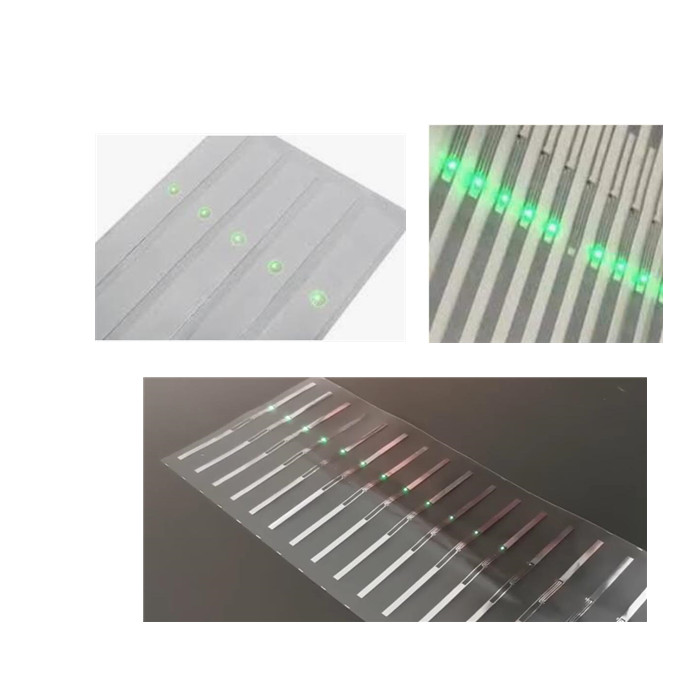
| LED UHF tag | Reference size 100 × 12 mm; customizable. EPC Gen2 / ISO 18000-6C, 860–960 MHz. PET/aluminum label construction with an LED, for plastic and non-metallic surfaces. | You need a flexible LED label for selected-item finding, with the physical format and encoding defined for a batch. |
| Pick by RFID tag with LED | Custom-size white paper label entry, 860–960 MHz and ISO 18000-6C, with printing and coding discussed for the picking workflow. | You are planning folder, cable or item retrieval and need to connect the label to the operator’s search process. |
What happens when an RFID LED tag lights up?
A passive UHF LED RFID tag combines an RFID chip and antenna with an LED output. In this type of design, the reader’s radio-frequency field supplies the energy used by the tag. The label therefore needs no battery for its supported lighting function, but it does need sufficient RF energy at its installed position.
The useful action is selective. A reader may detect many tags in one inventory, while the application asks one selected tag to flash. How the selection and activation are implemented depends on the chip, reader and software. A light appearing somewhere in a pile is useful only when the system can reliably associate it with the requested asset.
- Choose an itemThe operator requests asset A-104 in the application.
- Resolve its tag IDThe asset record maps A-104 to its assigned EPC, shown here as …7C21.
- Activate the targetThe compatible reader sends the supported command. The selected tag flashes .
- Complete the taskThe operator sees the light, checks the item’s identity and records retrieval or service.
For example, an archive application can translate a file request into a tag ID, activate the matching folder’s LED and then record that folder as checked out. The LED is the physical cue within that process. Asset records, permissions, checkout rules and the operator interface belong to the application around it.
Start with the finding task, then choose the configuration
LED tags are particularly useful when items look alike and the final identification step takes time. Decide what the operator must do after seeing the light. Retrieving a folder, checking a cable and picking a carton have different mounting and visibility requirements.
| Finding task | Configuration to start comparing | What determines success |
|---|---|---|
| One folder among similar files | Flexible LED labels placed with the light toward the visible edge | The LED remains visible when files are packed; each file has a unique, correctly mapped tag ID. |
| A specific cable in a cabinet | A cable-suitable tag or label with a mounting arrangement suited to the available space | The antenna is not damaged by bending, the LED can be seen, and adjacent metal is considered. |
| An asset mounted on metal | A construction designed for metal, such as a suitable flexible on-metal or rigid LED tag | The exact mounting surface, spacing, attachment and working frequency suit that construction. |
| An item on a shelf or in a picking area | A visible LED tag used with a handheld search or a defined fixed-reader work area | The requested item can be energized and its light seen from the operator’s working position. |
A flexible label for plastic and other non-metallic surfaces is a practical starting point for folders, cartons and suitable cable installations. Direct attachment to metal changes the RF design requirement: compare a construction intended for that mounting condition. Choosing by surface and available space comes before comparing maximum range.
For a cable cabinet, consider the complete installed arrangement. A narrow label that fits the cable may leave its LED facing away from the technician. A tag placed beside the cable may be easier to see but needs a clear association with the correct connector. Decide placement together with identification, rather than treating the LED as a decoration added after mounting.
Reading range and lighting range answer different questions
Reading range describes where the reader can obtain tag data under stated conditions. Lighting range describes where the tag receives enough energy and the correct instruction to operate its LED. A successful inventory read does not establish that the same tag will light at that distance.
The reader obtains the tag ID. This supports inventory and identification.
The selected tag responds to the activation process with enough power for its LED.
The operator can see which physical item is flashing from the actual working position.
For our LED UHF label, the catalogue gives reference reading distances of up to approximately 5–6 m with a handheld reader and 9–10 m with a fixed reader, and a lighting distance of around 3 m. These are indicative figures for different operations, rather than one guaranteed working distance. Actual results depend on the reader, antenna, mounting and environment.
In use, tag orientation, antenna polarization, mounting material, surrounding objects and the field at the tag all affect the result. The operator also needs optical visibility: RF can reach an item whose light is hidden behind another folder or carton. A longer radio range alone will not solve that problem.
Compare samples at the distance and angle where the job will actually be done. For a handheld search, that might mean approaching a shelf and moving the reader while looking along a row. For a fixed station, it means testing each intended item position and the places where the light can be obscured.
Will your UHF reader activate the LED?
Matching the basic air-interface protocol is the starting point. Many LED UHF tags use EPC Gen2 / ISO/IEC 18000-6C, but a reader that inventories ordinary Gen2 tags may not expose the command sequence needed for a particular LED chip.
The reader’s firmware and SDK must support the required operation, and the application must be able to invoke it for the intended tag. Some implementations use chip-specific commands or a defined selection and memory-operation sequence. The practical question is whether the reader and application can select and activate the chosen label, as well as inventory it.
| Layer | What to compare | Why it matters |
|---|---|---|
| Radio and region | Tag frequency design and reader configuration for the deployment region | A regional mismatch can reduce usable performance before software is involved. |
| Tag activation | LED chip, supported commands, firmware and SDK access | Inventory capability and LED activation are separate capabilities. |
| Item selection | Unique identifiers and the application’s asset-to-tag mapping | The software needs to address the intended physical item. |
| Operator workflow | Search interface, confirmation action and exception handling | A visible flash must lead to a correctly completed task. |
A handheld reader suits an operator who moves between locations and searches for selected items. A fixed reader and antenna arrangement suits a defined work area where tag positions and operating paths can be designed. Either still needs the appropriate activation support. The shape of the reader or a stated inventory range cannot establish that support.
For an existing system, start with its reader model, firmware version and software interface. For a new system, select the tag and activation method together with the reader and application. This avoids buying a promising label first and discovering that the intended app can only inventory it.
Encoding and ID mapping are part of the physical product choice
Each asset needs a dependable association with its tag. During commissioning, link the physical item record to the identifier the application will use for selection, commonly an EPC in UHF systems. If printed serials or barcodes are included, keep them associated with the correct electronic record as well.
Our LED UHF tag catalogue lists reprogrammable EPC and user memory. This allows the encoding plan to follow the asset-management workflow, including how an identifier is assigned and whether a label will later be reassigned. Write protection, locking and the selected chip still affect what can be changed after commissioning.
Duplicate identifiers create a practical problem: an application using that identifier may be unable to distinguish the intended item from another. A pilot should deliberately check for wrong-item activation and mapping errors. Correct RF performance cannot repair a database association made to the wrong folder.
For a production order, define whether tags arrive blank or encoded, what data file is used, how printed information relates to the ID, and how the batch is packaged. Those choices affect installation time and the chance of mixing records during commissioning.
Build a pilot around completed searches
A useful pilot does more than show one LED flashing on a clear desk. Reproduce the intended mounting, item density, reader position and lighting. Include the awkward locations: a full cabinet, the edge of the antenna field, an item beside metal and a tag partly hidden by neighboring stock.
- Prepare known targets. Assign and verify several item-to-tag records. Keep a visible independent identifier so the operator can confirm the physical item.
- Test inventory first. Establish whether the system reads each installed tag at the intended working positions.
- Activate selected targets. Record whether the correct tag lights, how quickly it responds and whether any unintended item responds.
- Test the person’s view. Repeat under realistic ambient light and item packing. A flashing LED behind another object is a failed visual cue.
- Complete the retrieval or service action. Confirm the item and update the application. Record search completion time and unsuccessful attempts, rather than only maximum reading distance.
Use the results to choose placement and workflow before scaling the order. If a tag reads but will not light, check the activation implementation and available RF power. If it lights but cannot be seen, change placement or the viewing path. If the wrong item responds, investigate selection and ID mapping before changing the antenna.
Set acceptance criteria for your operation: the intended working zone, acceptable response time, correct-item confirmation and how exceptions are handled. The pilot results then describe a repeatable task, rather than an impressive demonstration with unknown installation conditions.
Choosing LED RFID tags with DO RFID TAG
For folders, cartons and other suitable non-metallic items, compare our LED UHF label first. For a picking or cable-identification workflow, our Pick by RFID tag with LED page provides the related application route. Bring us the intended mounting and search process so we can narrow the label configuration, printing and encoding for your order.
For a tag discussion, share the mounting material and available area, a photo or drawing of the item, the operator’s working distance, the installation country, and the quantity. Include any existing reader and application details, plus your printing and encoding requirements. State whether you are buying tags for a working activation system or also need to establish the reader/software integration.
Use the DO LED product links above for an LED finding inquiry. Our broader UHF RFID tag range and RFID labels pages can help when comparing other tag formats. Include the LED requirement in the specification, together with the intended reader and application.
Questions about RFID tags with LEDs
Can a phone make a UHF LED tag flash?
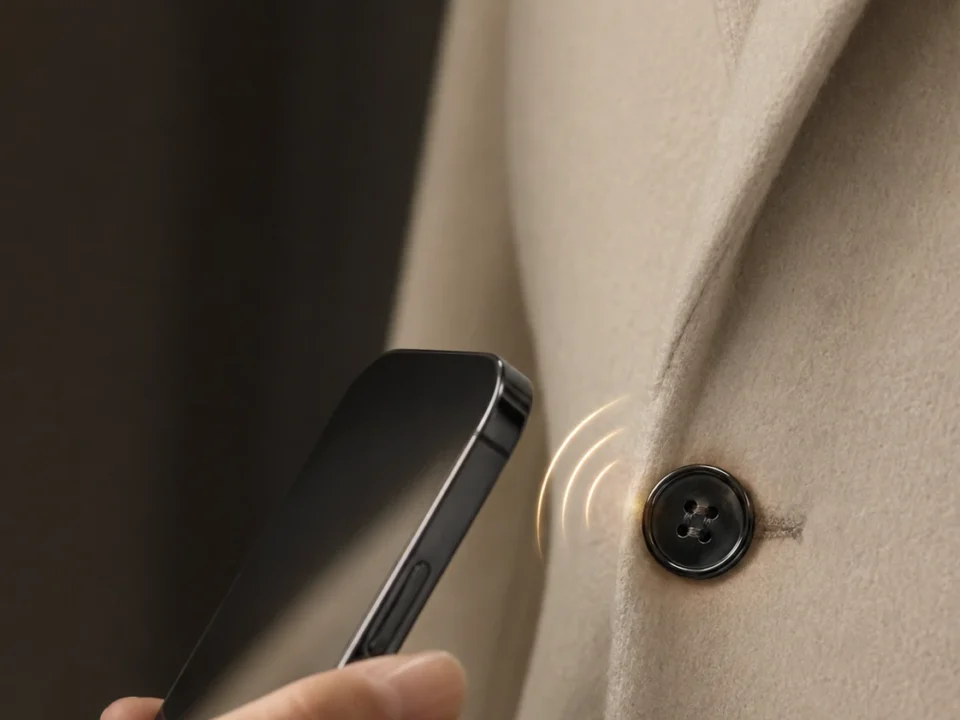
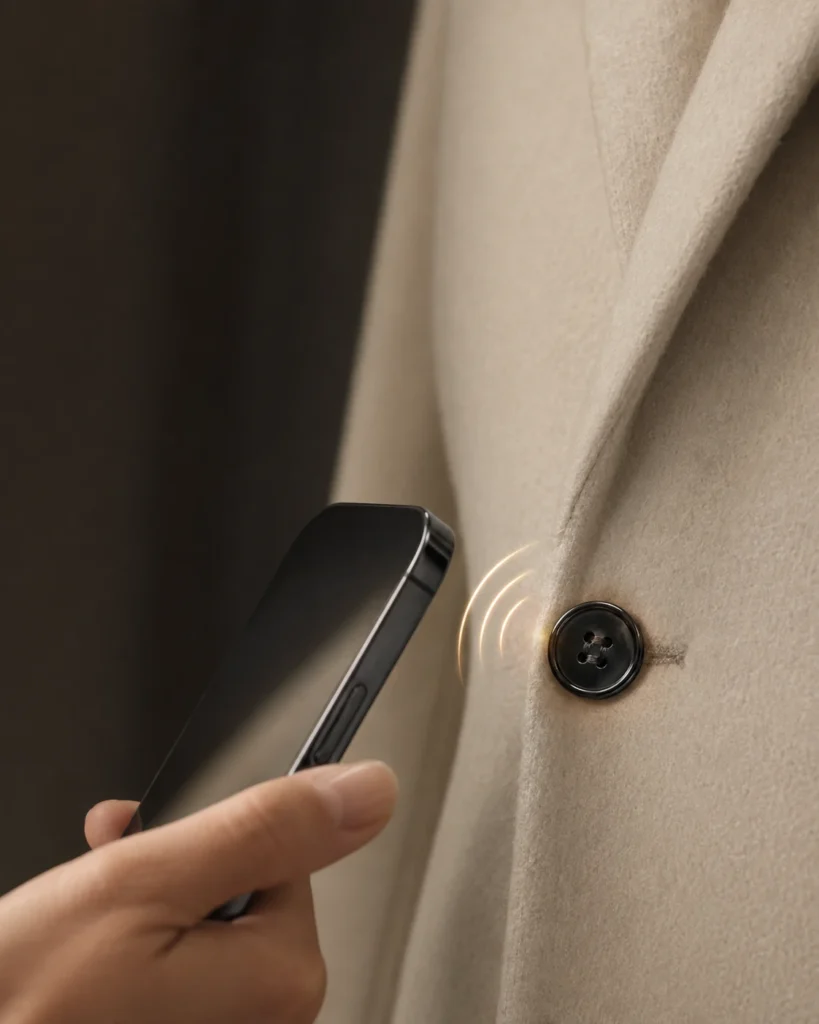
A phone’s built-in NFC reader is not a UHF EPC Gen2 reader. A phone-based application can control a suitable external UHF reader, but that reader and its interface must support the selected LED tag’s activation method. A product described as RFID LED should not be assumed to support direct phone tapping.
Can ordinary RFID tags be made to light through software?
The tag needs the physical LED and a chip or circuit designed to drive it. Software can activate a supported LED design; it cannot add that hardware to an ordinary inventory label.
Does the light provide continuous location tracking?
The light gives a visual cue when the tag is energized and activated. Continuous location, room-level tracking or map coordinates require additional system design. For many finding tasks, the useful result is simpler: let the operator see the selected item in the search area.
Does every LED RFID tag work without a battery?
The passive UHF designs discussed here obtain power from the reader field. Other products sold under the broad LED RFID description can use different power arrangements. Compare the exact construction rather than treating the category name as a power specification.
Product details and the label image are from the DO RFID TAG product catalogue. Dimensions and distances are reference specifications; select the final configuration for the intended mounting, reader and operating conditions.