Product packaging
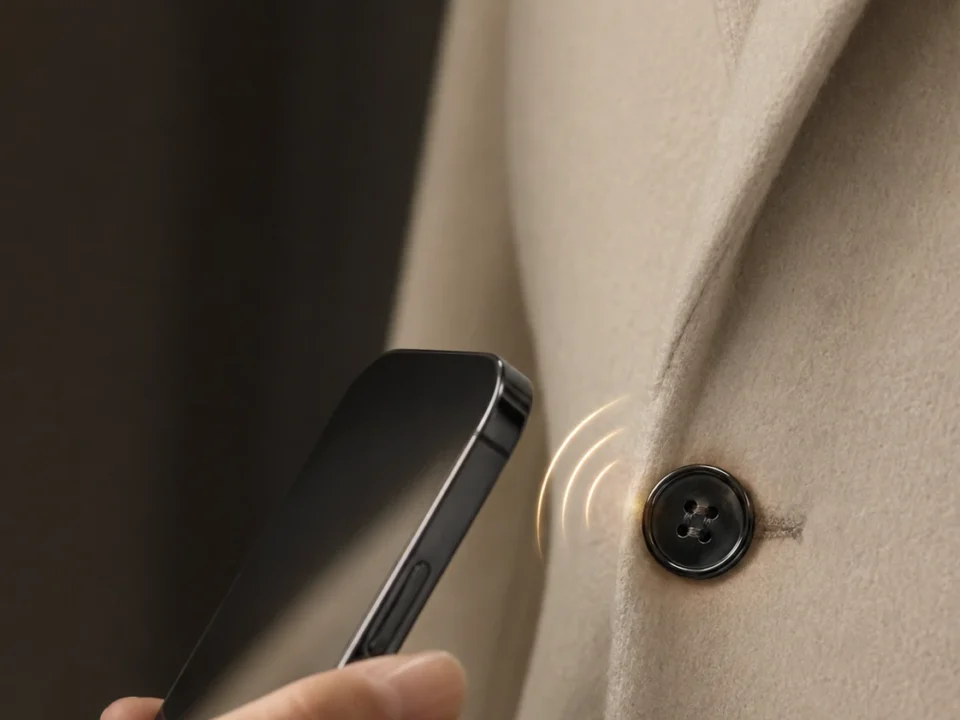
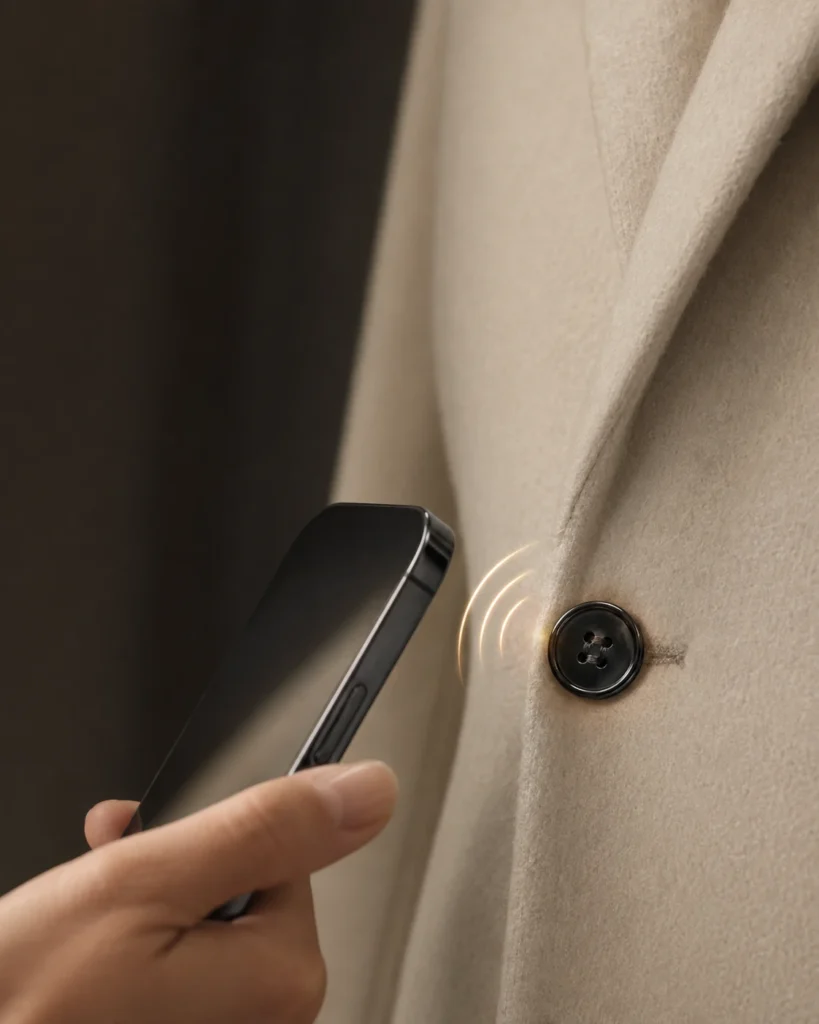
Possible instruction: “Tap for product care.” Put the instruction near the logo and use the destination page for the detailed care information.

PRINTED NFC STICKER DESIGN
A useful NFC sticker gives people a reason to tap and makes that action easy to recognise. The logo, text, shape and any QR code need to work within the finished label, while the NFC record leads to the intended digital content.
Use this guide to develop the artwork and review it before production. For available label configurations, explore our custom printed NFC stickers.
Start with the action the reader should take. A short instruction helps someone connect the printed label to the information or service behind it.
Possible instruction: “Tap for product care.” Put the instruction near the logo and use the destination page for the detailed care information.
Possible instruction: “Tap to view the event.” Make the benefit clear at a glance; check that the destination is current when the labels are used.
Possible instruction: “Tap for service information.” If people also need a visible item number, give it a consistent, readable position.
These are design examples, not customer case studies. Registration, loyalty or record-management functions come from the linked website or application.
Choose a visual hierarchy: brand first, one useful action next, then any supporting identifier. Review the artwork at its intended printed size, especially when a QR code and several lines of text share a small label.
Layout illustrations only, not DO product samples or dimensioned templates. “QR area” boxes are placeholders, not scannable codes.
The starting file can be simple. What matters is that the design team can identify the finished outline, reproduce the artwork and understand which details stay the same or change across the run.
| Prepare | What it helps decide | Useful example |
|---|---|---|
| Finished shape and dimensions | The space available for the logo, instruction and optional codes | A round label for packaging, or a rectangular label with room for an item number |
| Logo and editable artwork, where available | How small lettering and fine detail will reproduce; raster artwork should be reviewed at final size | Keep the logo file separate from a screenshot of the whole label |
| Cut line and print template | Safe placement, edge treatment and the actual label outline | Use the selected production template rather than assuming a universal bleed or margin |
| Brand color reference and background | How the artwork should look on the selected face material and finish | Include the brand color reference and identify whether the face is white, clear or another option |
| Fixed and variable fields | Which information repeats and which changes between labels | One shared logo with changing ITEM-001, ITEM-002 references |
| NFC and optional QR destinations | Whether both interactions open the same content and whether the destination varies by item | A shared product page, or an item-specific record URL |
Font size, fine-line detail, bleed and accepted file format should follow the selected artwork and production setup. Review those details on the actual layout instead of applying one specification to every label.
Check the contrast between the logo, instruction and background. Transparent areas let the background show through; opaque printing or backing changes the result. The same artwork can therefore need different treatment on a dark package and a light one.
Check the wording, proportions, line breaks, code position and orientation. Keep a brand color reference with the artwork so it stays part of the review.
Where a sample is arranged, review the color, small text and surface appearance on the chosen material. Consider reflection and viewing conditions as well as the artwork itself.
A matte or glossy appearance is also a selection choice. Match the label construction to handling, cleaning and exposure requirements separately; the appearance of an attractive print is not a durability test.
For a label that will be placed directly on metal, review the anti-metal NFC label considerations alongside the design. Printing and mounting construction are related choices.
A batch can share one logo while carrying different visible numbers, QR destinations or NFC records. Define those relationships before the final layout so the label remains useful when the items are separated.
| Example label | Visible print | QR / NFC destination |
|---|---|---|
| A | Brand artwork + ITEM-001 | https://example.com/item/001 |
| B | Same brand artwork + ITEM-002 | https://example.com/item/002 |
Illustrative field mapping, not customer data or a delivered tracking system. QR and NFC can share a destination when the application calls for it.
Keep the source data and its association with each printed label consistent. Visible serial numbers and item-specific links are application data; they are separate from the chip’s factory UID. If all labels should open one campaign page, a single shared destination may be enough.
The chip is selected for the data and application, not identified by the printed logo. Use the printed NFC sticker product page for available chip options and our NFC programming guide for writing and testing background.
Check spelling, logo version, line breaks, layout orientation, visible identifiers and the final cut outline. Read it at the planned label size.
Where physical samples are included, inspect the material, finish, contrast and color against the agreed reference. Record any design change against the artwork version.
Check the QR destination and NFC record using representative devices after placing the label as intended. For variable labels, check the visible identifier against the corresponding destination.
Agree which checks apply to the selected configuration. A useful approval identifies the artwork version and the intended content, rather than relying on an unqualified “looks good” attached to several different files.
They can serve different parts of the interaction. The logo identifies the brand, the QR code offers a camera-based route and NFC provides the tap point. The layout needs enough space for the actual code, instruction and any visible identifier.
Surface printing and encoded content are separate. A web link in the NFC record can lead to a richer page containing the logo, instructions or campaign content. The complete webpage remains on the website.
Use the same destination when they are alternative ways to reach one piece of information. If they serve different tasks, make that clear in the printed instruction and verify both routes.
You can update the content behind an unchanged web link. Changing the stored record itself depends on the tag’s writing and access arrangement. Printed logos and text remain part of the physical label.
It helps review layout and wording. Use the chosen material and appropriate sample or test evidence for finished appearance and exposure requirements; discuss the checks needed for that configuration.
FROM THE DESIGN TO A LABEL
Explore the existing custom printed label offering for chip, format and encoding choices. If you already have artwork, an application or a label outline, use it as the starting point for a conversation.

Au is an RFID and NFC manufacturer based in Shenzhen, China, with over 10 years of experience.